Unit Tests
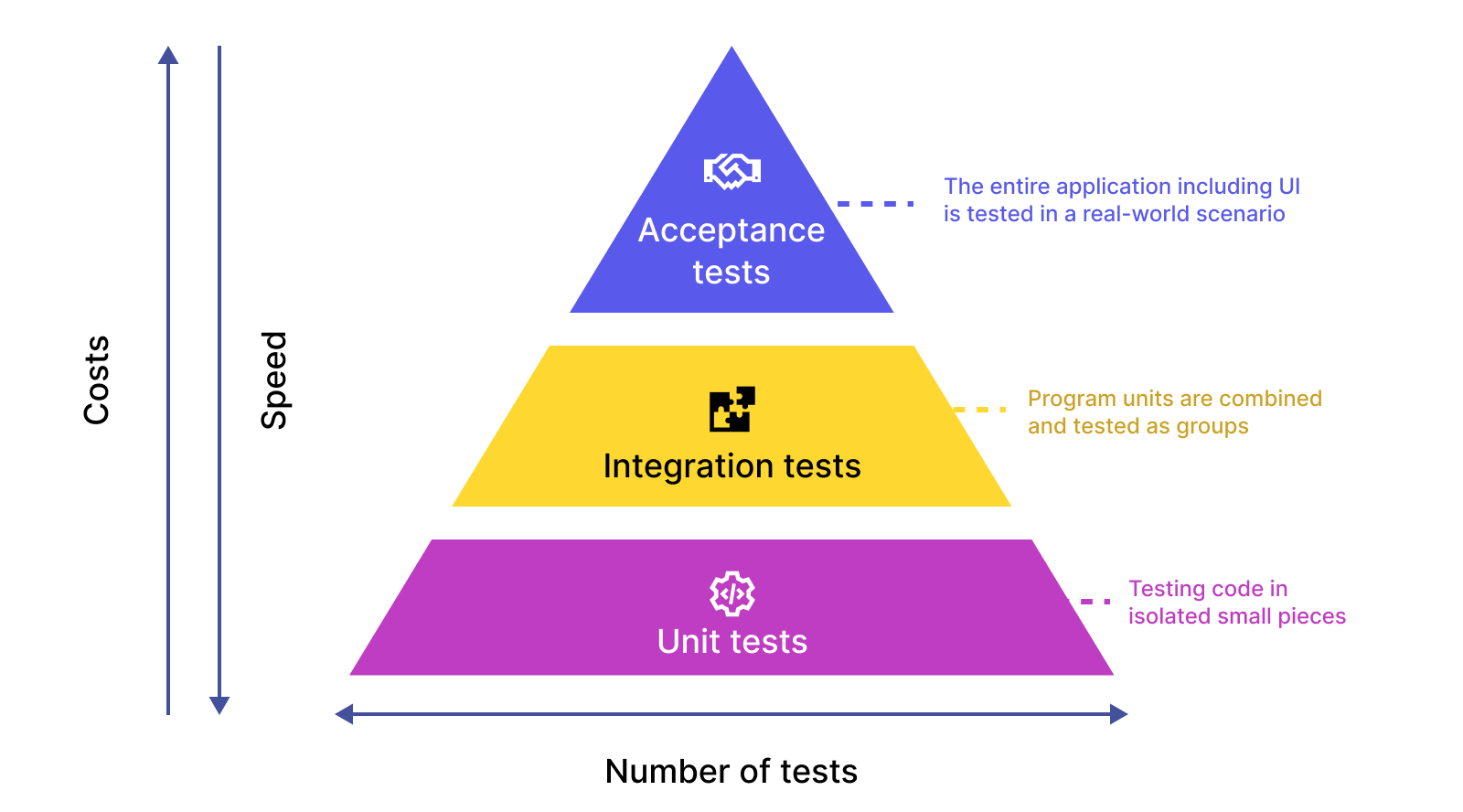
Unit testing is a software development practice where individual components or functions of a program are tested in isolation to ensure they work as expected. These tests are typically automated and focus on verifying the correctness of small, self-contained units of code.
Test Framework:
The repository uses Python's built-in unittest framework for writing and running tests.
Test Organization:
Tests are organized into separate files under the
testsdirectory.Each file typically corresponds to a specific module or functionality (e.g.,
TestMathUtil.pyfor math utilities,TestPose2d.pyfor 2D pose operations).
Running Tests:
In PyCharm:
Open the project in PyCharm.
Navigate to the
testsdirectory in the Project Explorer.Right-click on a test file or the
testsdirectory and select Run 'Unittests in...'.View the test results in the Run or Test Runner tab.
On Windows/Linux/Mac Without an IDE:
Open a terminal or command prompt.
Navigate to the root directory of the project (e.g.,
/home/derek/PycharmProjects/VEXlib).Run the following command to execute all tests:
python -m unittest discover -s testsTo run a specific test file, use:
python -m unittest tests.<test_file_name>Replace
<test_file_name>with the name of the test file (e.g.,TestKinematicsUtil).For more detailed output, add the
-vflag:python -m unittest discover -s tests -v
Unit testing is a cornerstone of robust software development, ensuring that individual components function correctly and enabling developers to build reliable and maintainable systems.