VEXlib




Welcome to the VEXLib Framework!
This project brings together simulation tools, a really cool code push and log sync tool, comprehensive unit & integration testing, log visualization, and lots of utilities to make VEX V5 robot development easier and more fun.
📂 Project Structure
Here's a quick tour of what's included:
src/— Core robot code: autonomous routines, drivetrain logic, odometry, and subsystem modules.sim/— Simulation tools like Dijkstra's pathfinding algorithm and PID analysis tools.tests/— Unit tests to make sure everything works reliably.deploy/— Deployment-specific scripts and configurations.util/— Handy utilities: friction testers, serial communication tests, environment map encoders, and more.logs/— Recorded logs from drivetrain, scoring mechanisms, and other subsystems, automatically synced from the robot every time you push code!assets/— An extra folder including anything you want (SVG Logos and a render script by default) on the robot to display or use, pushed to the robot with the code.docs/— Generated documentation files and help pages.
🚀 Getting Started
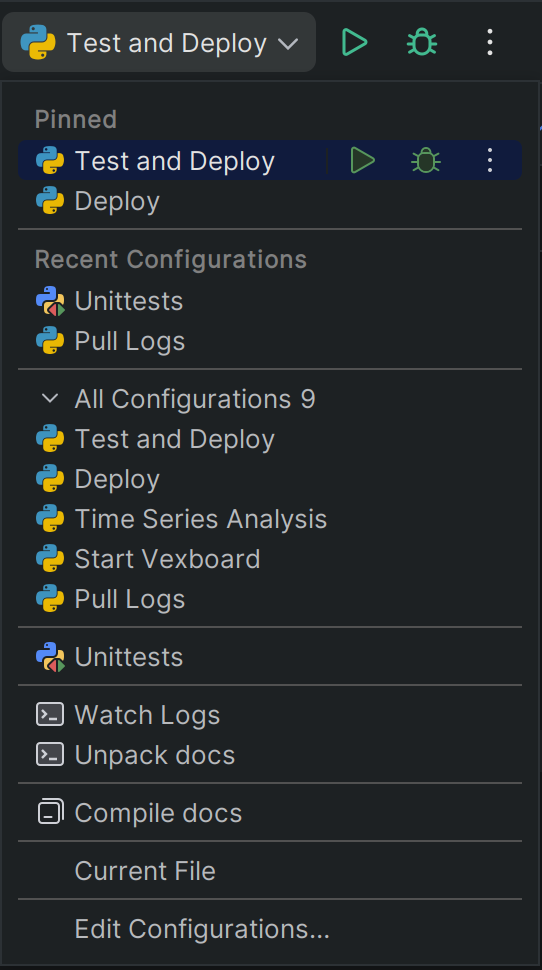
Getting started with VEXLib and Pycharm, I HIGHLY recommend PyCharm for this project, it integrates very nicely, from the preconfigured run configurations to the in-IDE graph display. (You can even get the professional version for free if you are a student or a teacher)
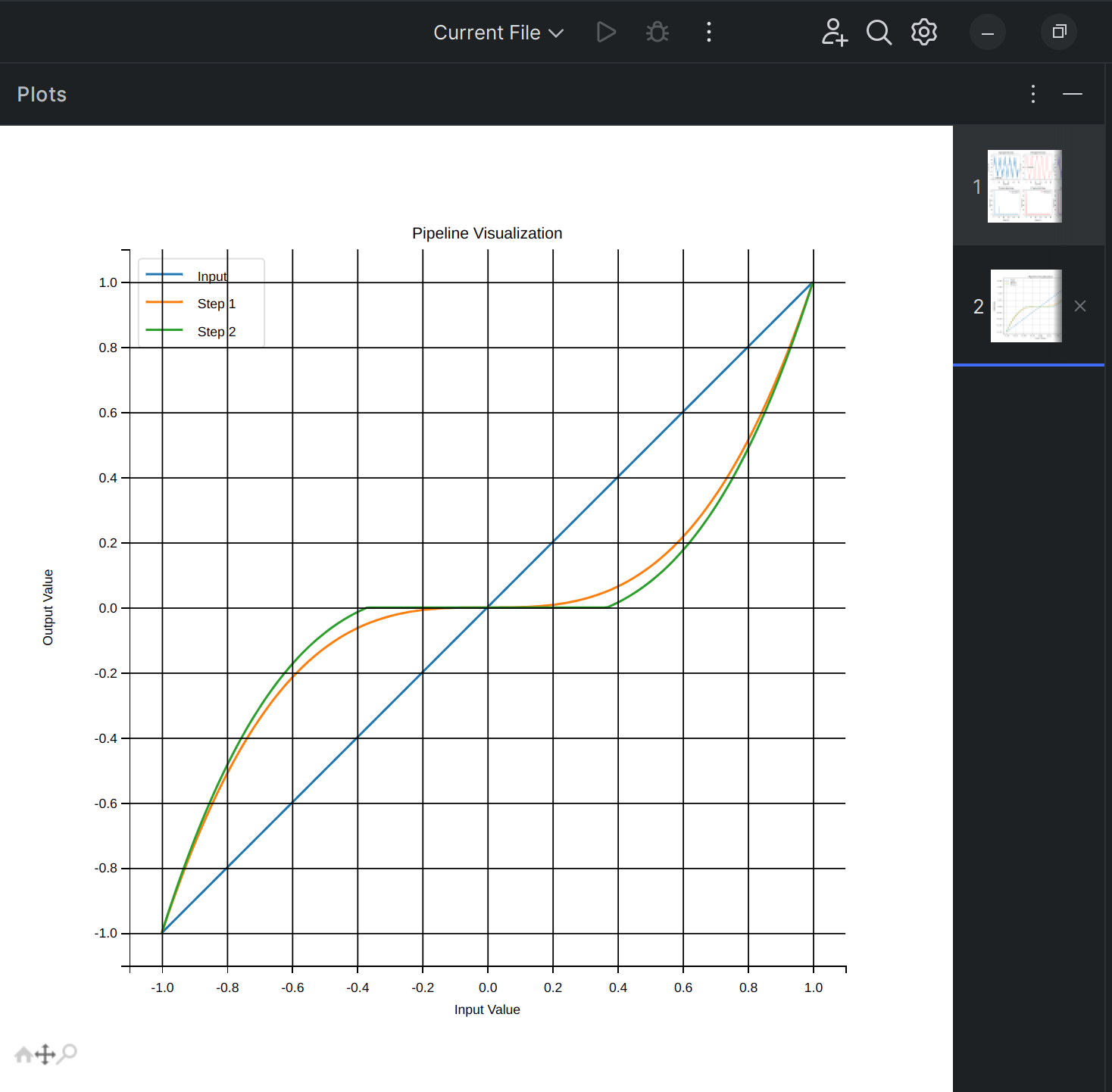
Getting Started with VEXLib and Visual studio code, While I dislike VSCode, it is a very popular IDE, and I have included some basic instructions for getting started with it.
Getting started with VEXLib and no IDE
Clone the repository:
(Optional) Set up a virtual environment:
Install dependencies:
Push the example code to the robot
you should see something similar to this, this is the deployment script running, by default it will look for a removable storage medium with the string VEX in the name and push code to that, for configuration edit /deploy/config.ini:
Key Files
src/main.py— Main entry point for running the robot code.analyze_PID_test.py— Analyze PID controller tests.sim/DjikstraPathfindingTest.py— Run Dijkstra's algorithm in a simulated map.util/timeseries_analysis.py— Analyze performance data from logs.
Features
Robot subsystem simulation (drivetrain, clamps, scorers, descorers, wall stakes, etc.)
PID and motion control analysis
Log recording and visualization
Pathfinding algorithms
Rich documentation and testing suite
Documentation
Offline help documentation can be found in the docs/ folder — open docs/index.html for the table of contents!
Contributing
We'd love for you to contribute!
Here are some great ways to help:
Fix bugs
Improve simulations
Add new robot mechanisms
Expand the documentation
Write tests
Feel free to open Issues or submit Pull Requests!
TODOs / Future Improvements
[x] Add
README.md[x] Generate
requirements.txt[ ] Clean up stale code
[ ] Full test coverage for /VEXLib
[ ] Fully documented
[ ] Polish documentation styling
[ ] Usability testing and improvements
Contact
Have questions? Ideas?
Open an issue or email: derek.m.baier@gmail.com